
Follows the imam through the mosque speakers. Set up the mosque listener before you arrive.
QURAN TRANSLATOR FOR IPHONE
Quran translation.
In your earphones.
Jumu’ah listens to Quran recitation and speaks the translation through your earphones, verse by verse.
Follow the imam in the mosque, or your own recitation at home.
Free to download iOS 17 or later
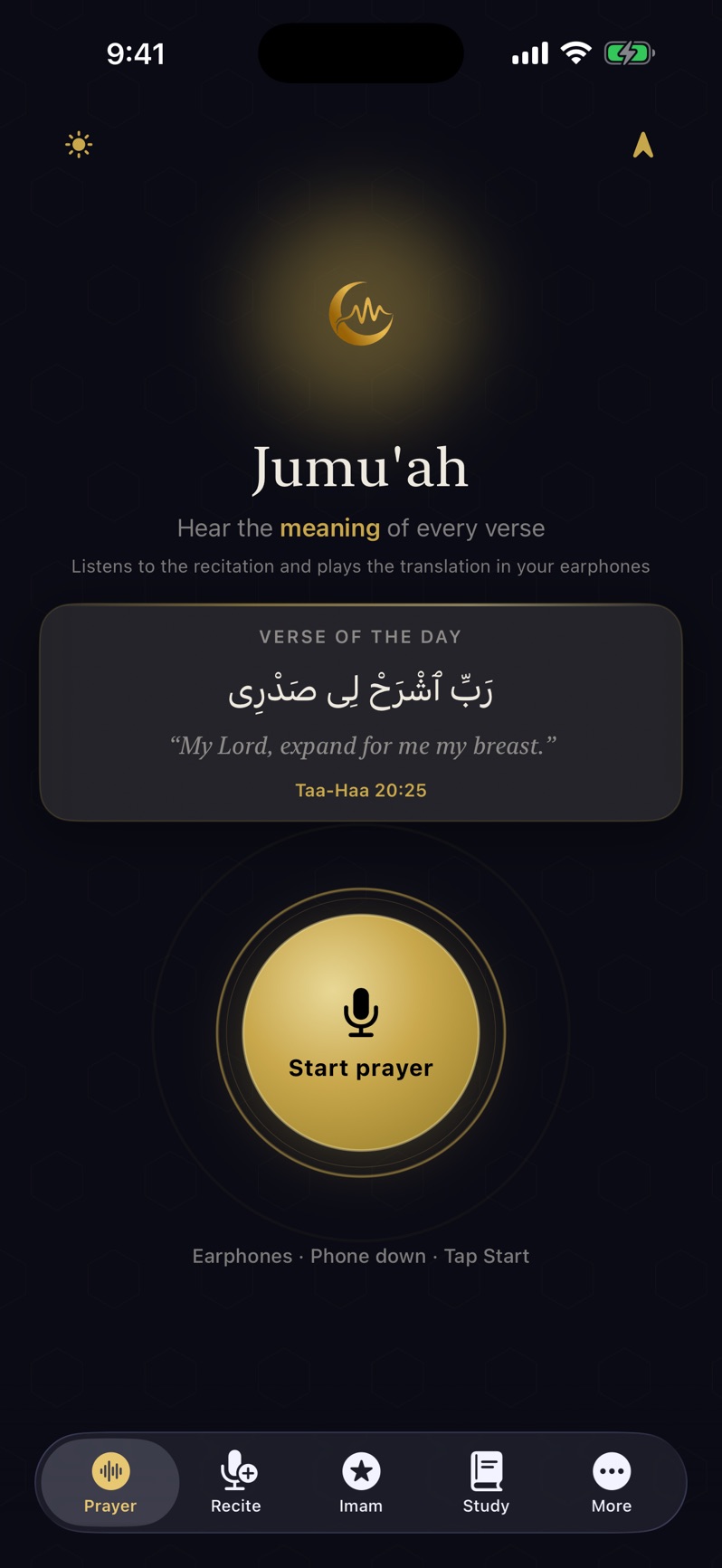
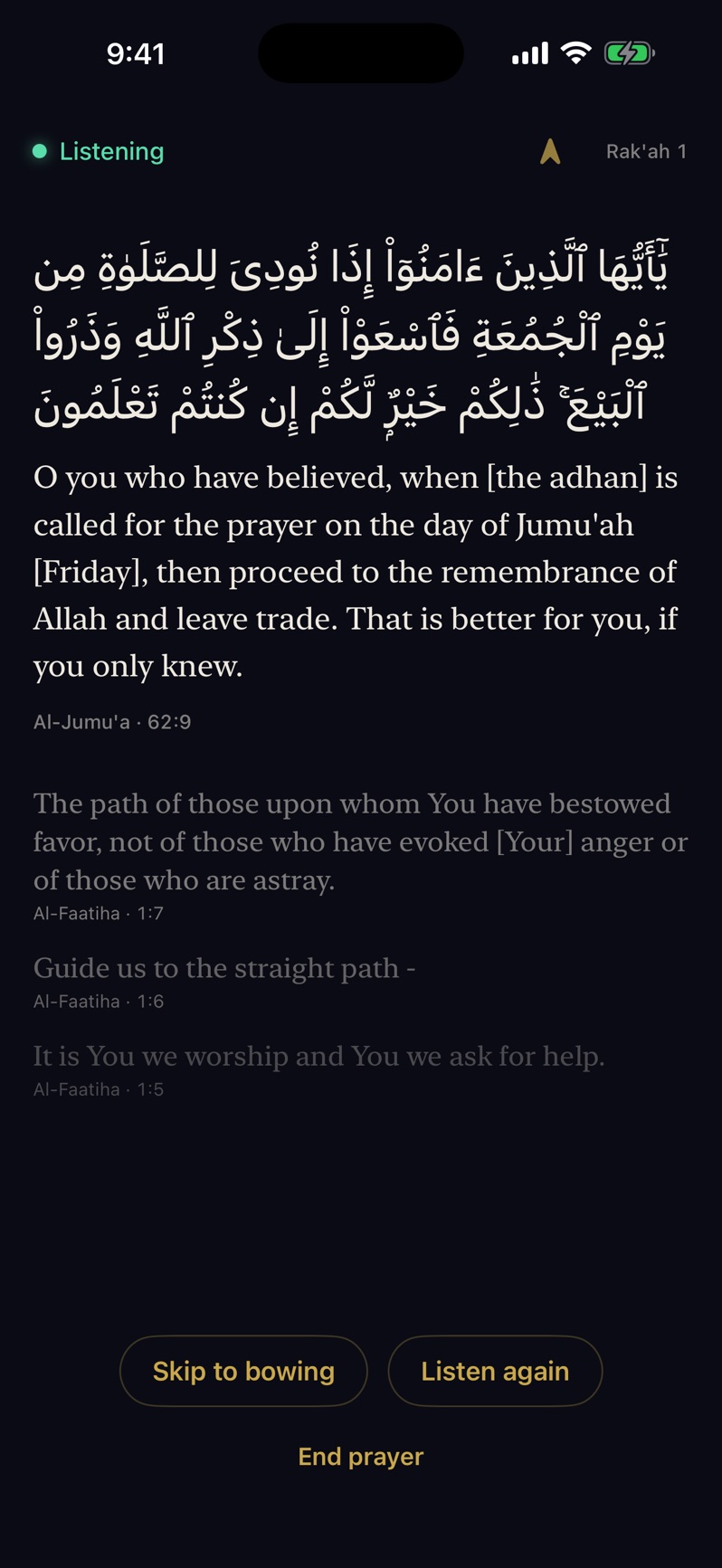
- Spoken translation during prayer
- Text in 34 languages
- No account. No ads.
HOW IT WORKS
The recitation in Arabic.
The translation for you.
Your iPhone’s microphone listens to the recitation. Jumu’ah identifies the verses and speaks their translation into your earphones.
Set up before you begin.
Choose your translation language and allow microphone access. For mosque listening, complete the one-time download on Wi-Fi.
Connect your earphones.
Check your language and voice, then put in your earphones. The spoken translation plays privately to you.
Tap “Start prayer.”
Keep your phone where it can hear the recitation clearly. As Jumu’ah follows the verses, you hear their translation.
Follows your own recitation. Choose “Praying alone” in the app; the mosque download isn’t needed.
STUDY, AT YOUR OWN PACE
Read. Listen.
Explore the meaning.
Return to a verse after prayer, look up a topic, or continue through a surah. Study brings the Arabic, translation and listening controls together.
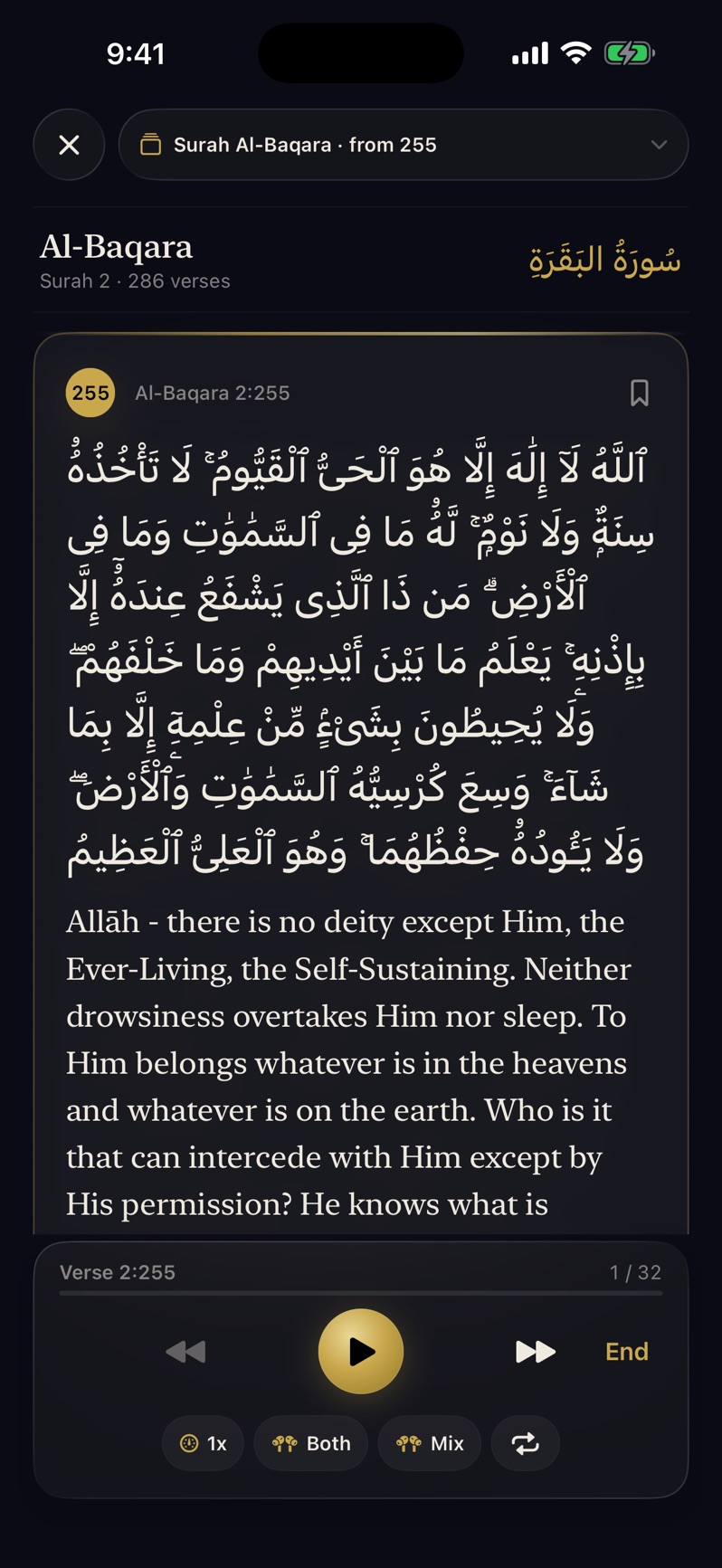
Follow Arabic and translation together, play recitation and spoken translation, and explore tafsir in Study.
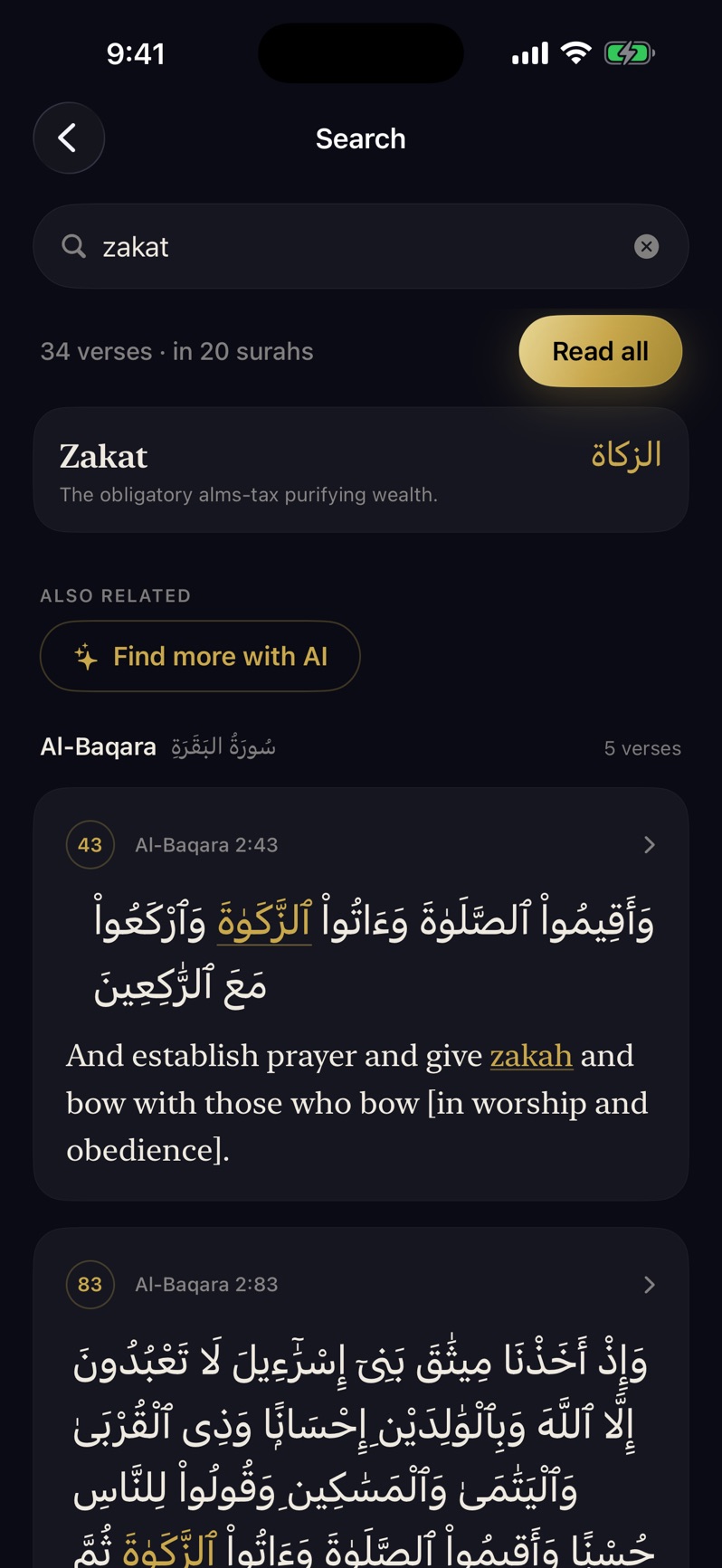
Search in your language for a topic such as zakat, patience or prayer, then open the matching verses.
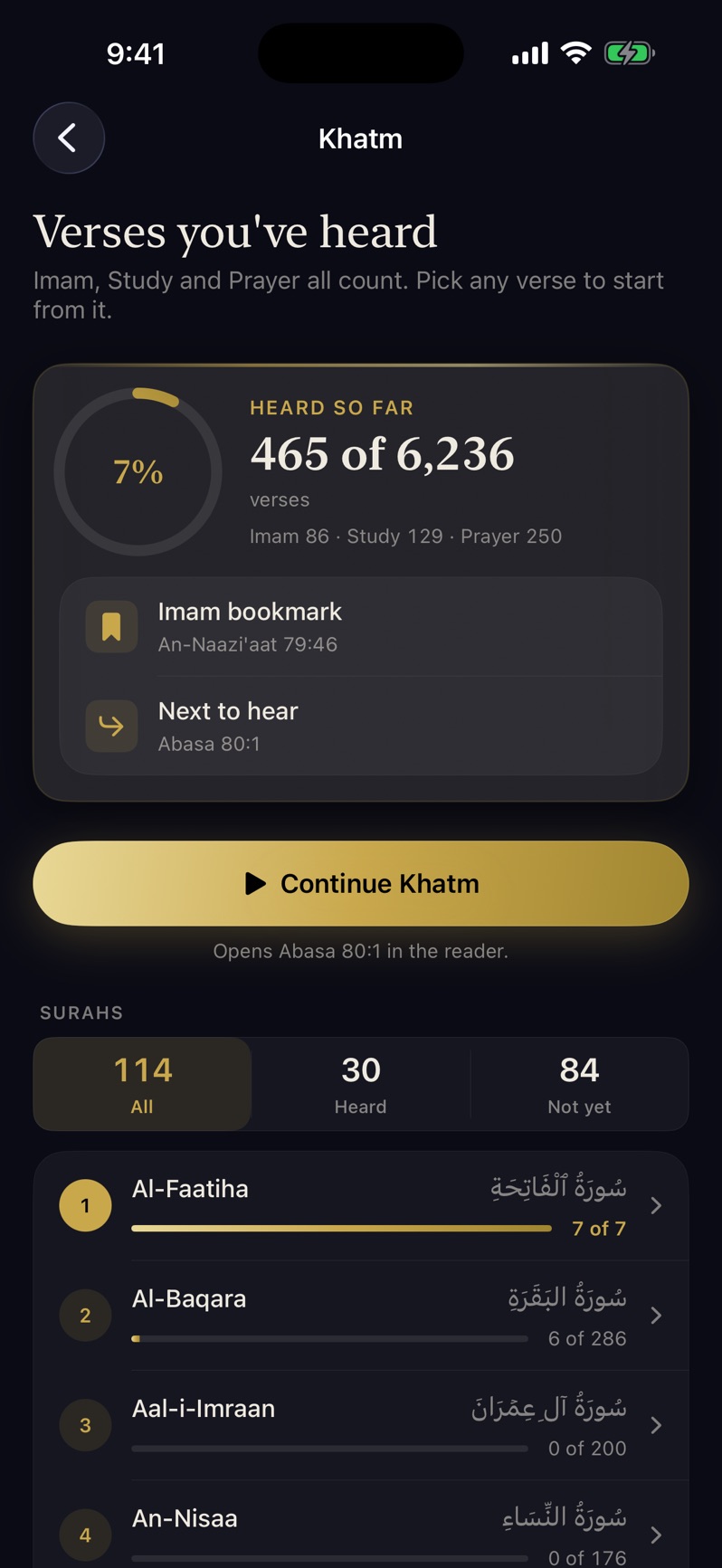
See the verses you’ve heard in Prayer, Imam mode and Study, then choose where to continue.
Actual App Store screenshots Tap to enlarge
Practise your recitation
Recite gives word-by-word feedback and a review list with recitation playback.
Prayer times & Qibla
See prayer times for your location or a chosen city, set adhan reminders and find the Qibla.
YOUR PRIVACY
No account to create.
No ads to sit through.
Open Jumu’ah and get started without signing in.
Your recitation is not recorded or sent to the developer. The app uses on-device recognition and Apple’s speech service, which may process audio on Apple’s servers.
Read the privacy policyIs Jumu’ah free?
Jumu’ah is free to download for iPhone. It requires iOS 17 or later. Visit the App Store for the latest availability and version details.
Do I need earphones?
Yes, for spoken translation in Prayer mode. Connect earphones or AirPods so only you hear the translation. You can also read Arabic and translation in Study.
What should I do before going to the mosque?
Choose your language, allow microphone and speech recognition access, and complete the one-time mosque-listening download on Wi-Fi. Connect your earphones and preview your translation voice before you begin. In the mosque, keep the phone where it can hear the speakers clearly.
Which languages are available?
Text translations are available in 34 languages, including English, Urdu, Indonesian, Malay, Turkish, Bengali, French and Spanish. Spoken voices vary by language. Check Language & Voice in the app for the available options.
Can I use it when I’m praying alone?
Yes. Choose “Praying alone” to follow your own recitation. That mode doesn’t require the mosque-listening download and uses Apple’s speech recognition, which may use Apple’s servers.
Where can I get help with the app?
Visit the support page for help with listening, downloads and voices, or email jumuahapp@gmail.com.

JUMU’AH FOR IPHONE
Hear the meaning
as you pray.
Download Jumu’ah and set up your first listen.
Download on the App StoreFree to download iOS 17 or later